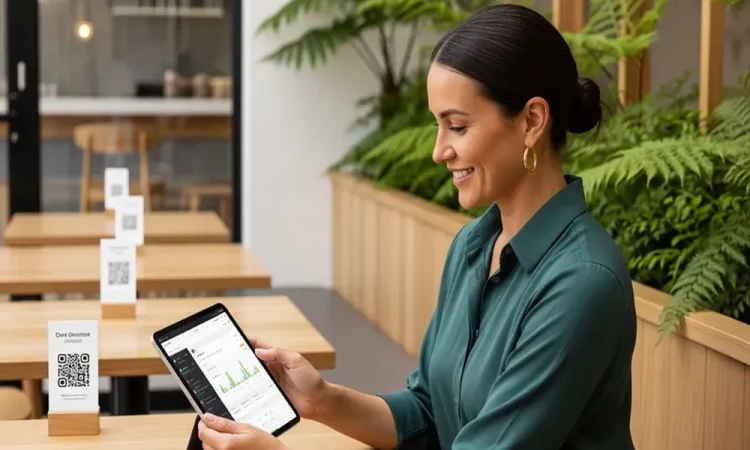
Most service delays start long before food reaches the pass. Guests wait for menus, then servers, then the bill. Each pause costs a table minutes it never recovers. Kitchens absorb the fallout as rushed, error-prone tickets. A qr ordering system tied to payments closes those gaps cleanly. Orders reach the kitchen instantly, and checks settle by phone. The real gains touch accuracy, kitchen pacing, staffing, and guest data.
Direct Table Orders Cut Kitchen Errors
Handwritten tickets invite mistakes at every handoff. A server mishears “no onions,” or smudged notes get misread. Guest-entered modifiers reach the kitchen display exactly as chosen. Allergy flags arrive printed, not paraphrased. Cooks also stop chasing servers for clarification mid-rush. Fewer remakes mean less wasted food and calmer stations.
Why Do Integrated Payments Speed Table Turnover?
The slowest stretch of dinner sits at the very end.
- Guests pay the moment the meal ends.
- Split checks resolve without a server’s calculator.
- Tips get added before anyone stands up.
- Servers stop walking cards back and forth.
- Freed tables reach waiting parties much sooner.
Packed brunch rushes turn those minutes into extra seatings.
Leaner Floor Teams Handle Busier Shifts
Staffing gaps hurt hardest on Friday nights. Table-side ordering changes what servers spend time on. Note-taking gives way to genuine hospitality. One person can cover more sections without rushing anyone. Instead of trimming headcount, smart operators redeploy people toward expediting. Savings come from fewer wasted steps, not fewer workers.
What Does Order Data Reveal About Menus?
Every scan leaves a usable digital record. A qr ordering system shows which dishes sell and when. Add-on choices get captured too, line by line. Owners can spot a starter nobody reorders. Pairing prompts, like sides offered with grilled fish, lift checks. Menu changes can be tested in a single week.
Which Setup Choices Make Rollout Succeed?
Technology fails when it fights the floor plan.
- Link codes to table numbers.
- Sync menus with POS stock.
- Print codes on durable tents.
- Keep a server option open.
- Test on older phones first.
- Train staff before launch.
When Phones Become the Order Pad
The phone on the table was always there. Guests already carried the menu, order pad, and terminal. Integration lets the restaurant finally put them to work. That “no onions” request now arrives intact every time. Service stops meaning transactions and starts meaning attention. Restaurants grasping this will hire for warmth over speed.
FAQs
Do guests need to download an app to order?
Web-based systems open directly in the phone’s browser after a scan. No account or download is needed to order or pay.
Can QR ordering work alongside traditional servers?
Yes, guests who prefer a human touch can still order the usual way. Both channels feed the same POS, so tickets never clash.
How are QR payments kept secure?
Transactions run through encrypted gateways linked to licensed processors. Card details never touch the restaurant’s own devices or staff.
What happens when a dish sells out mid-service?
A synced menu marks the item unavailable once stock hits zero. Guests can’t select it, which spares servers awkward apologies at the table.